
Syncroll
Scroll any two tabs together — Chrome's native Split View, or two side-by-side windows Syncroll opens for you.
Why Syncroll
Built for Chrome's native Split View
Designed around Chrome 145+ Split View — open the popup inside a split and both panes are detected automatically. A first-class fit for Chrome's newest tab layout.
Side-by-side windows on demand
Tick a single checkbox and Syncroll arranges two windows at the left and right halves of your screen — instant side-by-side, on any monitor, in any setup.
Pick any two open tabs
Cross-window dropdowns list every open page with its favicon. Choose the left and right pane from anywhere — no dragging tabs around to set things up first.
Canvas-app pan sync
Wheel events relayed across panes so Figma, Miro, and Excalidraw canvases pan together in lock-step. A capability built right into Syncroll from day one.
Chat UI aware
Detects the inner scroll container on ChatGPT, Gemini, and Slack — sidebars stay anchored while the conversation scrolls together on both sides.
Private by design
No servers, no analytics, no data collection. Sync runs locally through Chrome's built-in messaging — your tabs and content stay entirely on your machine.
How it works
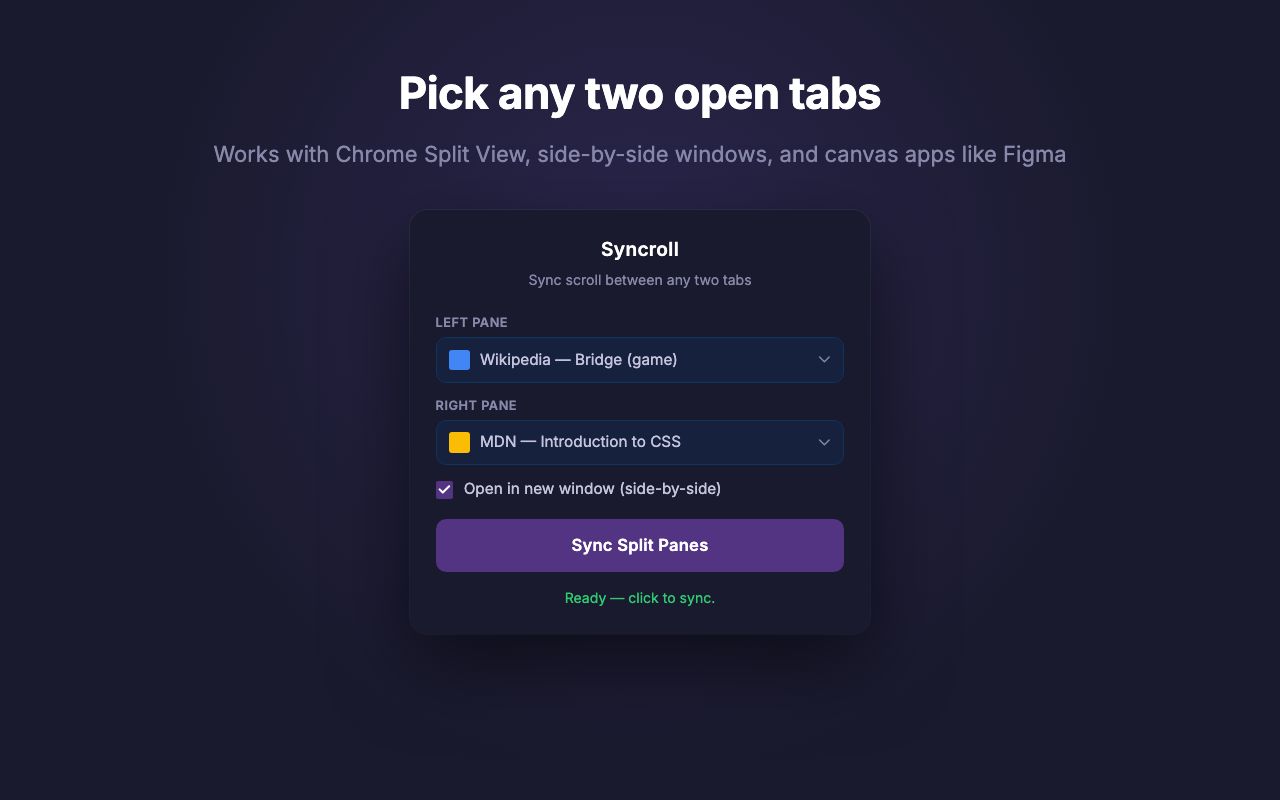
Tab picker + side-by-side windows
Cross-window picker lists every open tab with its favicon. Works seamlessly inside Chrome's native Split View, and tick Open in new window to have Syncroll arrange two side-by-side windows for you on the fly.
Works everywhere
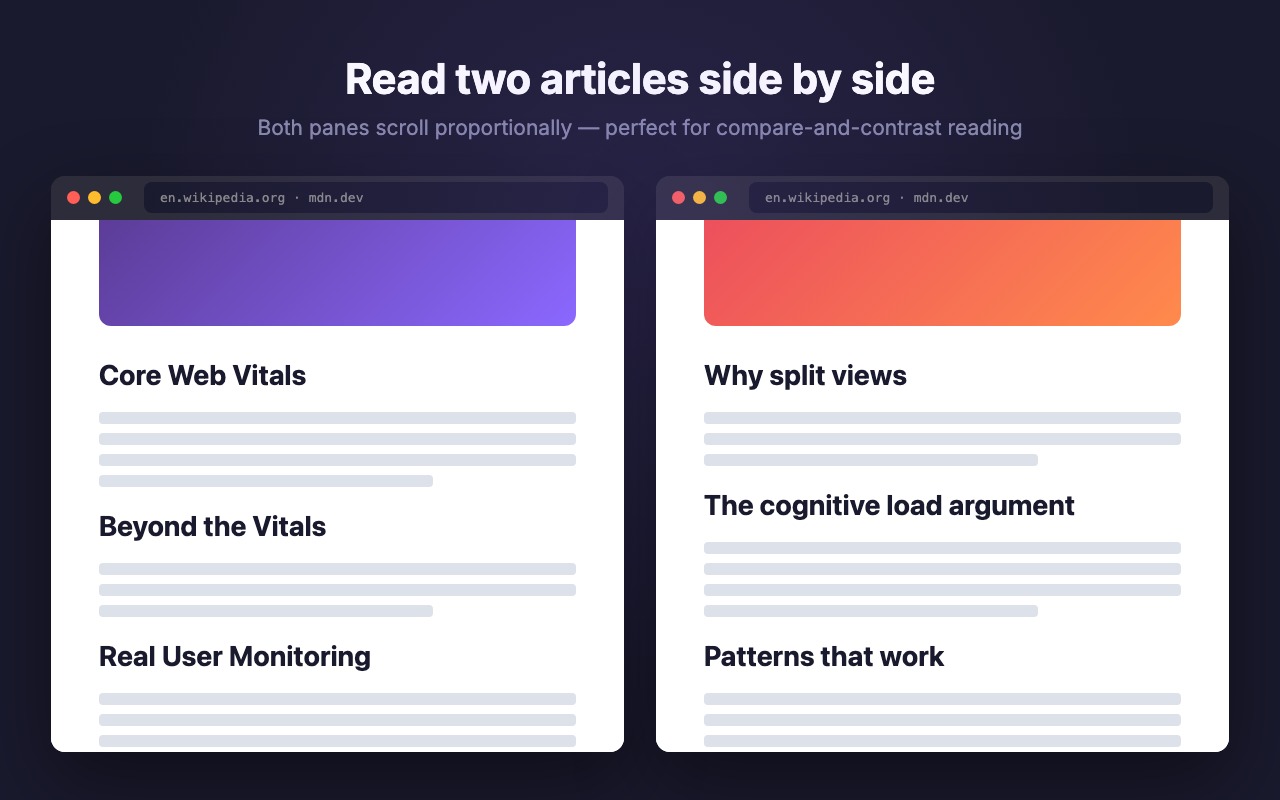
Standard websites
Wikipedia, MDN, news sites. Proportional sync keeps pages of different lengths aligned.
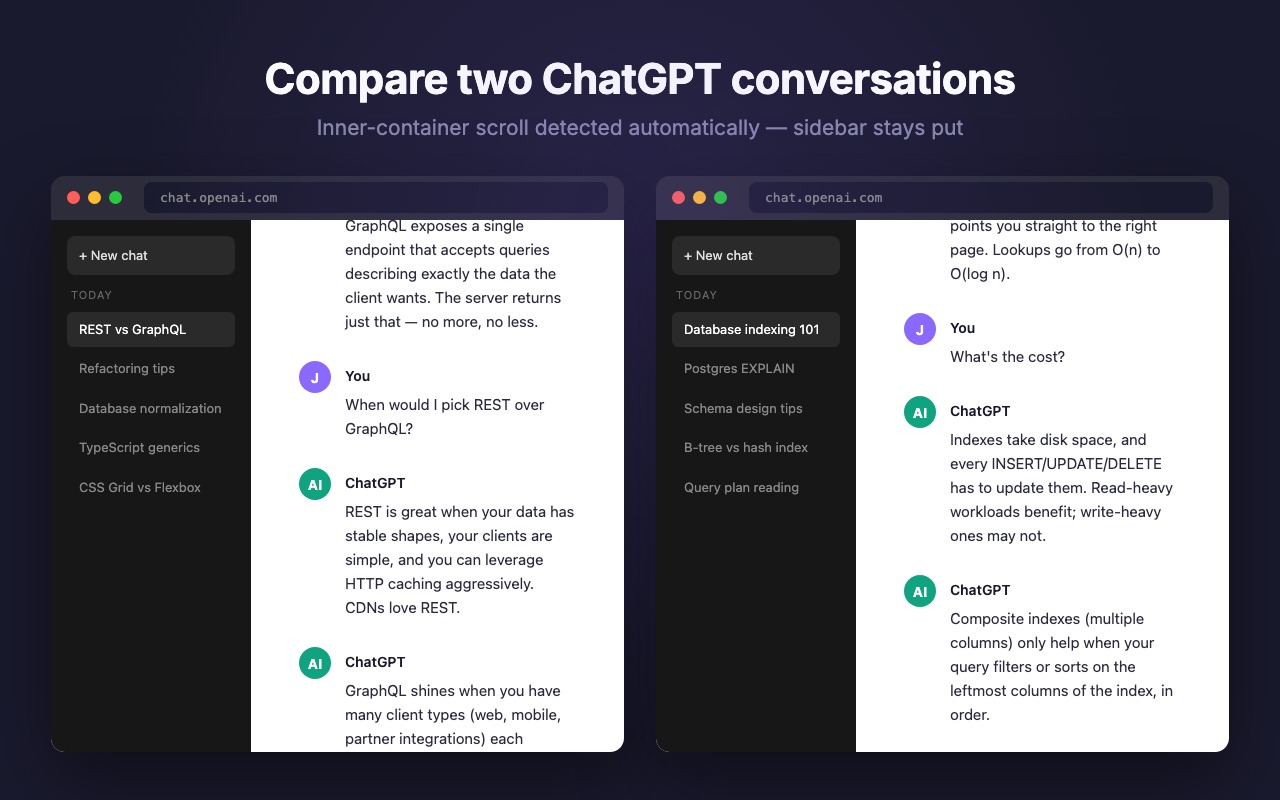
Chat UIs
ChatGPT, Gemini, Slack. Detects the inner scroll container — sidebar stays put, only the conversation scrolls.
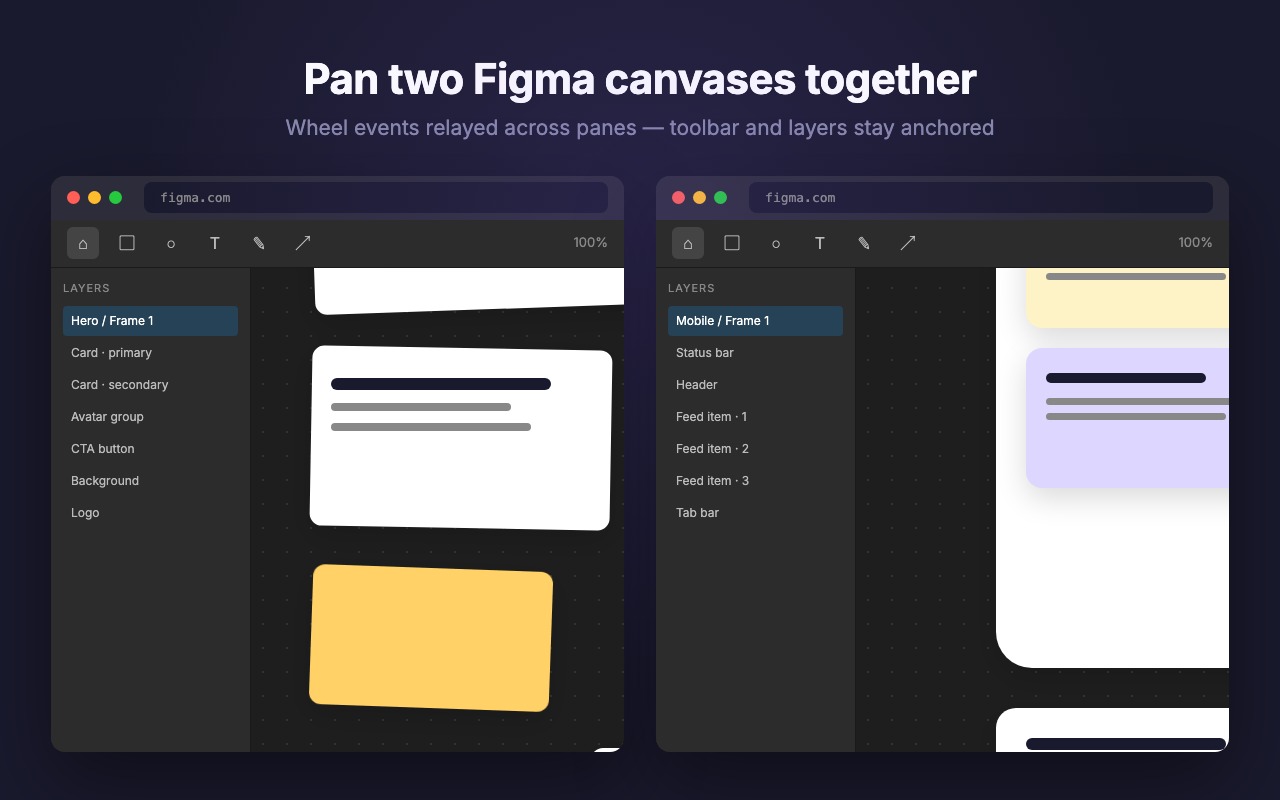
Canvas apps
Figma, Miro, Excalidraw. Wheel events relayed across panes for true side-by-side panning.
Get started
- Install Syncroll from the Chrome Web Store.
- Click the Syncroll icon and pick the left and right tab from the dropdowns. Any tab in any window works.
- Already in Chrome's native Split View? Both panes are detected automatically. Or tick Open in new window to have Syncroll arrange two side-by-side windows for you.
- Hit Sync Split Panes. Scroll either side; the other follows.
Ready to scroll two tabs together?
Free, open source, and built for Chrome's native Split View. Install in one click — no account, no setup.